https://kuula.co/share/collection/79FTK?logo=1&info=1&fs=1&vr=0&zoom=1&sd=1&autop=10&thumbs=1
Oct 29, 2022
Kuula 360 gallery
Sep 21, 2022
Google Site
I was wowed by Boon Lay Sec's use of Google site to allow the students to know more about the school through an adventure themed navigation.
https://sites.google.com/moe.edu.sg/blsadventure
As I am already onboard in the use of Google Suite and Google Classroom, Google sites have been my choice of platform for the e-resources for Geography other than my blog.
Geography E-lessons on Google Sites
Much easier with the older version of Google Site as I could duplicate sites and the attachment of files is at the bottom of the page.
It's easy to create Google Site and it helps the students to be self-motivated in self-paced e-learning from the resources. I could also park my teaching resources on the sites for easy access too. Videos from youtube can be embedded into the site and this help as I could not play them direct from youtube on my ipad when projected through apple TV.
May 13, 2022
Wordwall
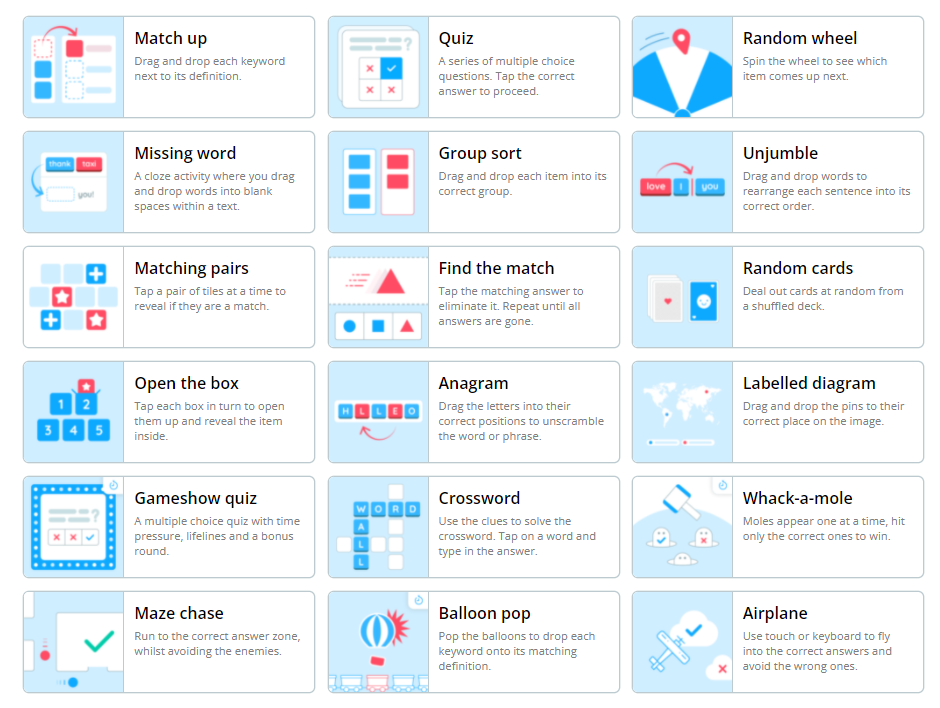
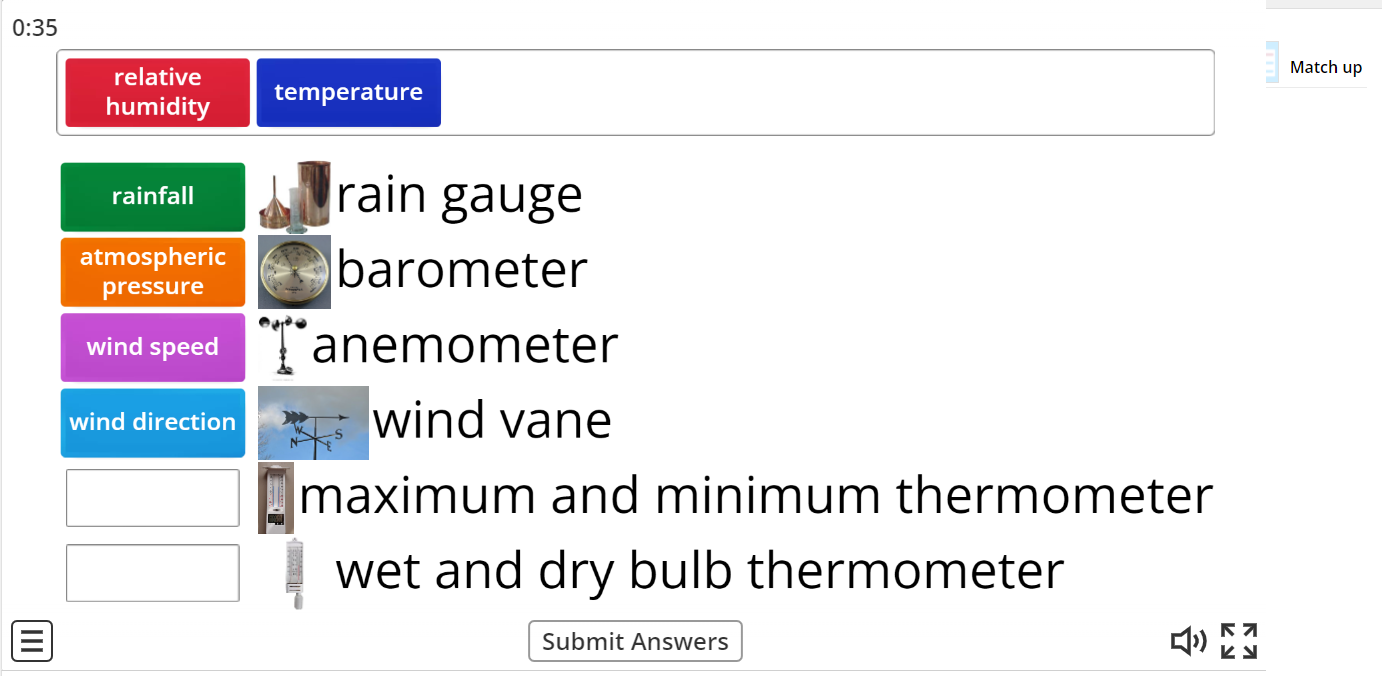
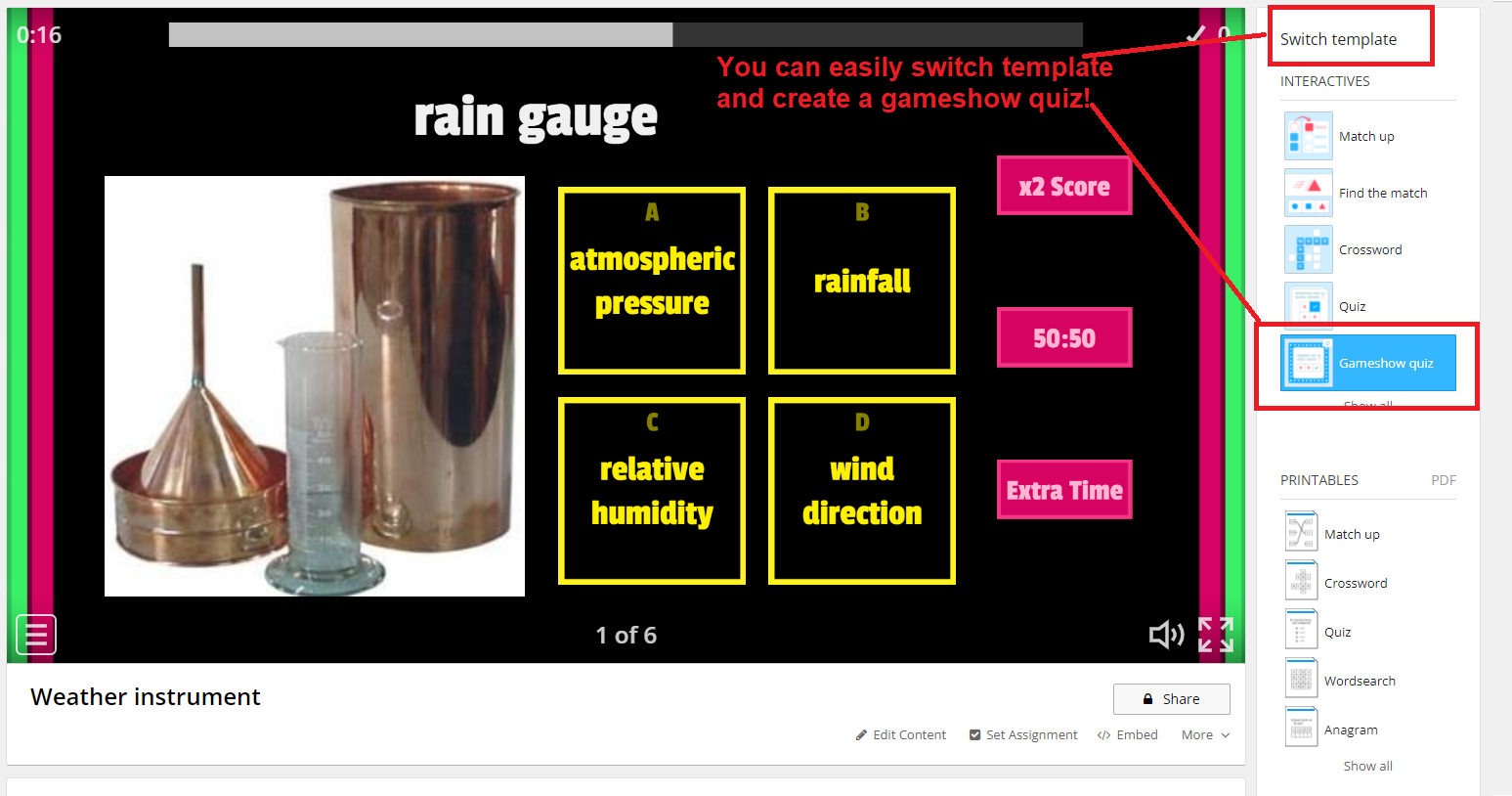
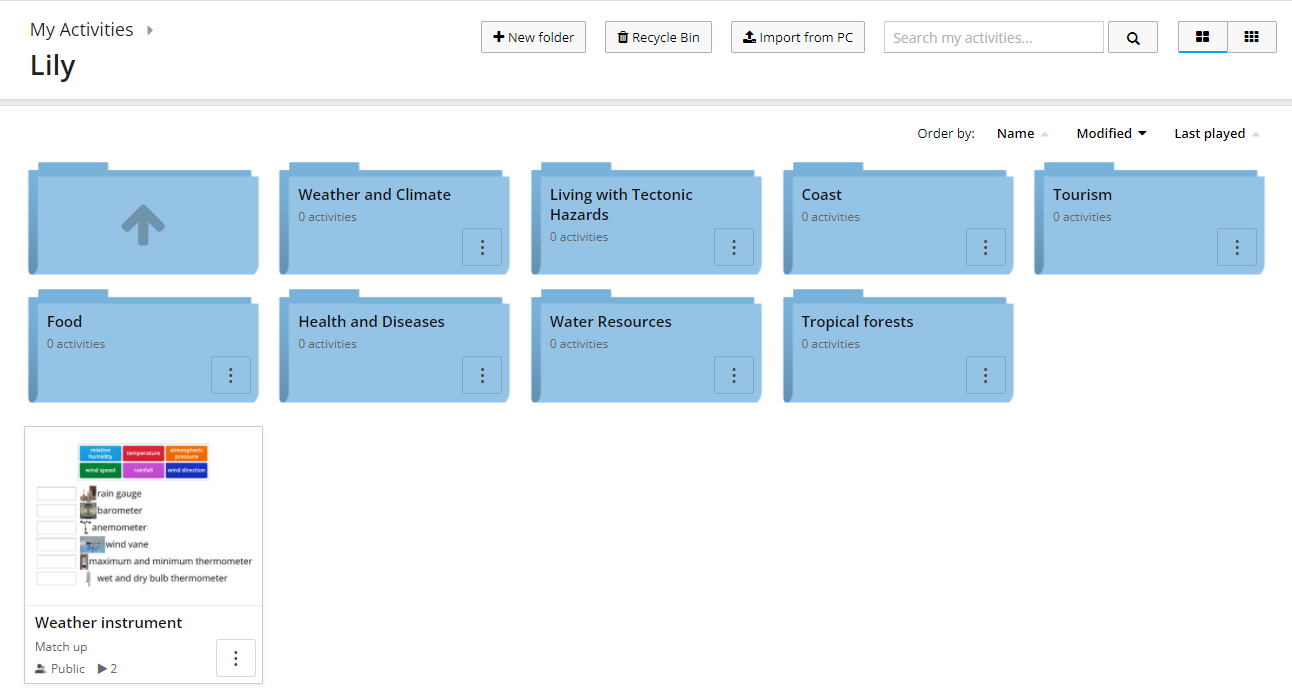
Wordwall provides teachers with a variety of templates, ranging from the common multiple-choice quizto matching pairs, anagram, sorting out, or cloze questions. Teachers can create resources and host activities by sharing an assignment link with students. Students can do the activities as an interactive in-class part or as homework. Teachers can track students’ activity result when they finish.
https://wordwall.net/
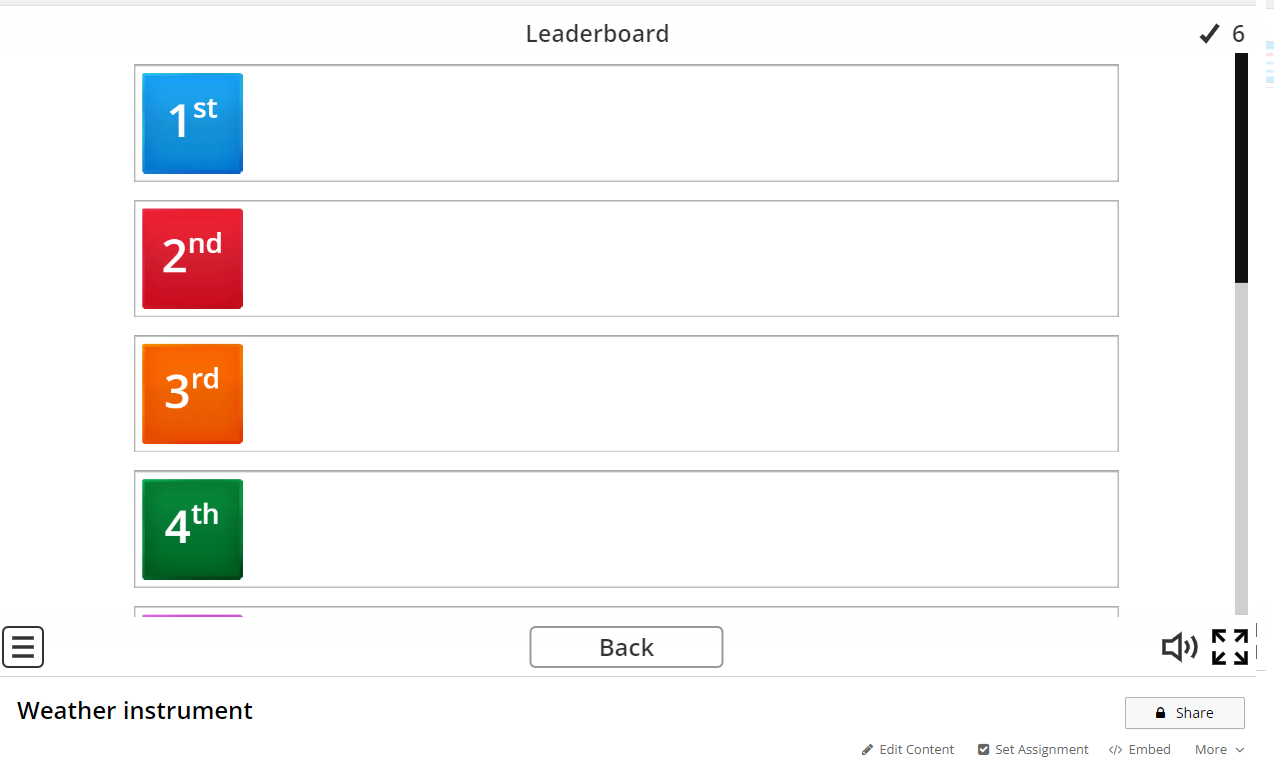
Love that it is gamified and there is even a leadership board.
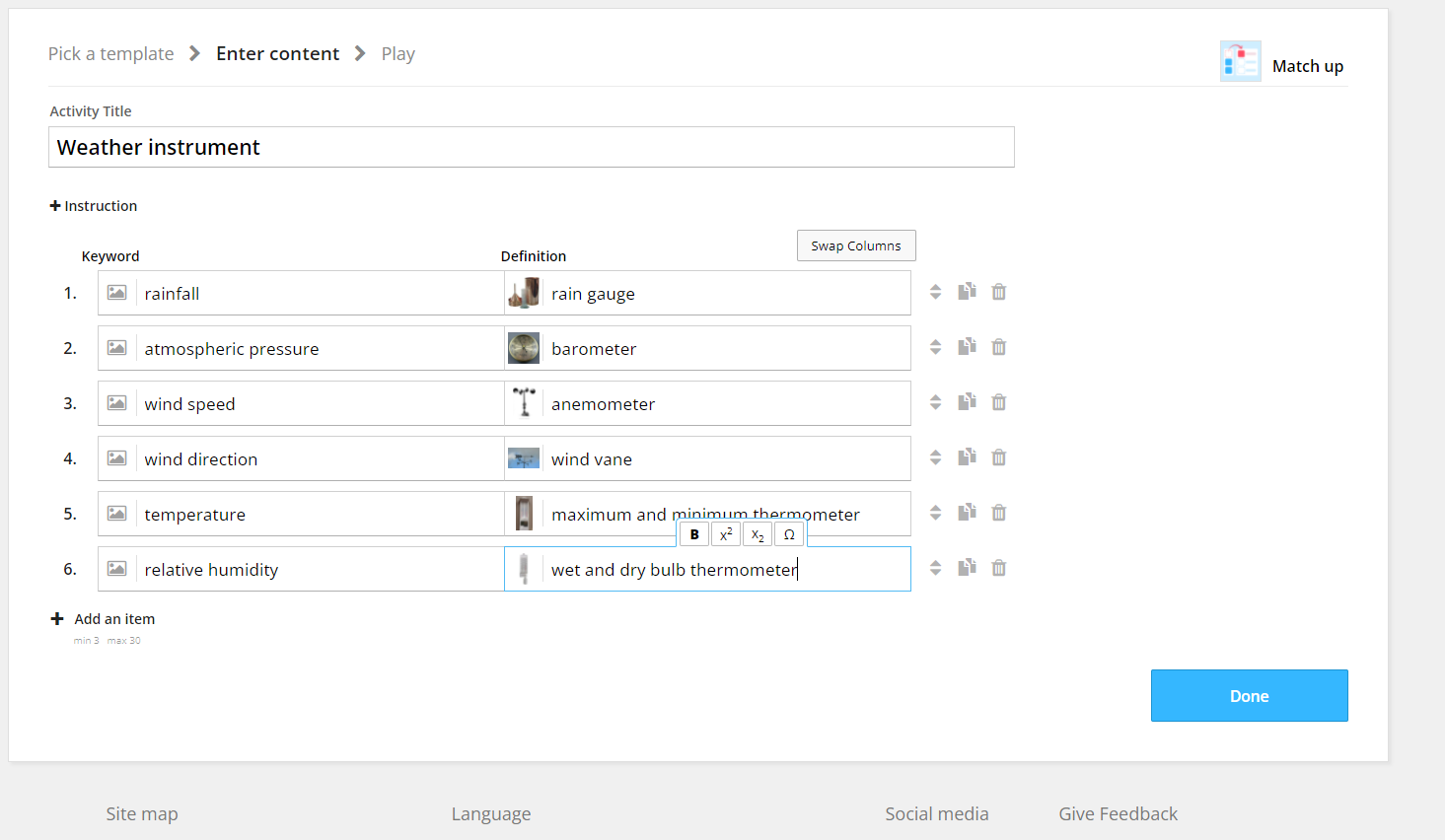
Just select a template and scroll below the examples of the chosen template and click create. You can see the list of templates available below.
Apr 1, 2022
Wheelofnames
I have been using the name picker from classtools and I am so happy to learn this as Wheelofnames.com can do so much more!
You can insert pictures, customise the wheel, save and also share it!
Instead of entering a list of names, select add image. You will be prompted to browse your folders for the images you want to attach in the wheel. You can attach pictures of people instead of name to be selected. Or you can use it as a roulette in which a person or object is selected and the students have to provide some information on it. I see a lot of opportunities to engage the students using this.
The above link to my conure wheelofnames:
https://wheelofnames.com/stp-9wf
Updated with contributions from SGLDC members
Siew Ting used the name picker as a way to practise multiplication factual fluency with her class.
Mar 13, 2022
FilmoraGo video editor
I was very impressed with Clive Foo sharing of the video in SLS.
https://www.facebook.com/groups/sglearningdesigners/permalink/1294610207693487/
He had used AR emoji (memoji in his iPhone and AR emoji camera for my Android) to create the emoji animation which you can see at the bottom right corner. Upon checking with him, I found out that he had used Wondershare Filmora to integrate the emoji into video using green screen to remove the background.
I managed to find a video editor FilmoraGo which has a picture in picture function too.
After I have clicked on new project, I added the main video.
After that I selected the PIP (picture in picture) icon.Mar 10, 2022
Image slider
Sharing this again as I love this image slider which can show the before and after image by dragging the slider. Definitely great in getting the students to observe the changes of the environment overtime.
I screenshot the image of the area using Google Earth. You just need to click on the year at the bottom left corner to bring up the time slider. I then capture the image in 2010 and another from 2020. Both are uploaded to my blog (you can upload to your drive too)
Using https://juxtapose.knightlab.com/ you can just input the two image URL and the image slider is created.
You can then give the URL of the slider to your students or copy the HTML code and embed it.
Extremely useful in Geography as the students observe the changes in the environment using images.
Image screenshot from Google Earth for 2010 below
Image screenshot from Google Earth 2020 below
Mar 8, 2022
Feedback using ITT in SLS
I like the Interactive Thinking Tool in SLS as it provides an opportunity for me to see the work of the students at one glance and to address any learning gap immediately. As I provide the feedback to the students from the ITT class view, I feel that the feedback was more effective as the students could view their peers' works and take note of areas they can improve on.
Grateful to learn that from 'Designing quality assessment feedback practices in schools' by Rachel Goh. "Feedback as practice moves from the act of the teacher telling the students all their mistakes, towards the co-construction of knowledge through acts of showing and concluding."
Setting routine and varying tasks in Google Classroom
I have been using the RISE framework to give instructions in Google classroom to set up the routine.
Resources
Instructions
Submission
Extension of Learning
By setting up the routine in Google Classroom, the students are clearer on what to expect and are better engaged. They are also more self-directed and motivated to extend their learning beyond the textbook.
I did a quick survey using Google Form at the start of the term to find out more about what the students already knew about the subject and how they would like to learn. I had then acted on it and created a variety of tasks - reflection on current geographical issues, response to a video, interactive game, written response to structural questions, interpreting diagrams, mind mapping, Kahoot etc
At the end of the chapter, I would get them to fill in another form which they self-evaluate on whether they have fulfilled the learning objectives as well as giving me feedback whether the strategies I used are effective for their learning. It also helped me to identify learning gaps and I would address them during revision as well as better plan for the next topic.
Each of them will also get a certificate emailed upon completion as I have added them using the certify'em extension in Google form.
You can read more about the use here
http://ezitnew.blogspot.com/2019/03/google-form-add-on.html
Feb 27, 2022
Scanner on Google classroom
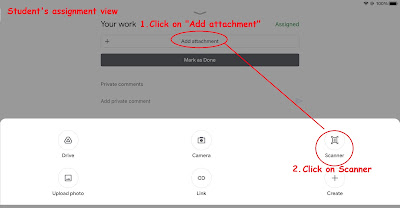
There is a new feature in Google classroom which students can scan their work and submit.
The scanner is better than just using the camera as the students can crop and adjust the image of their handwritten work or drawing.
When the students save their photos, a PDF is generated and attached to the Google Classroom assignment which can easily be opened by the teacher.
A relief for us as some students submitted work using a few photos and it is a nightmare going through one by one. The image will be clearer too.
My posts on Google Classroom https://ezitnew.blogspot.com/search/label/Google%20classroom?m=1
Feb 24, 2022
Wordle
Recently trending wordle. Try making your own and get your students to try.
https://mywordle.strivemath.com/
Chinese version on Chinese idiom
https://cheeaun.github.io/chengyu-wordle/
Malay version of wordle
https://www.projecteugene.com/katapat.html
NY times wordle